Mac only remembers the last thing you copied
Every time you copy something new, the previous item is gone forever. That snippet of code, that email address, that screenshot you needed — vanished.
Clipboard History for Mac
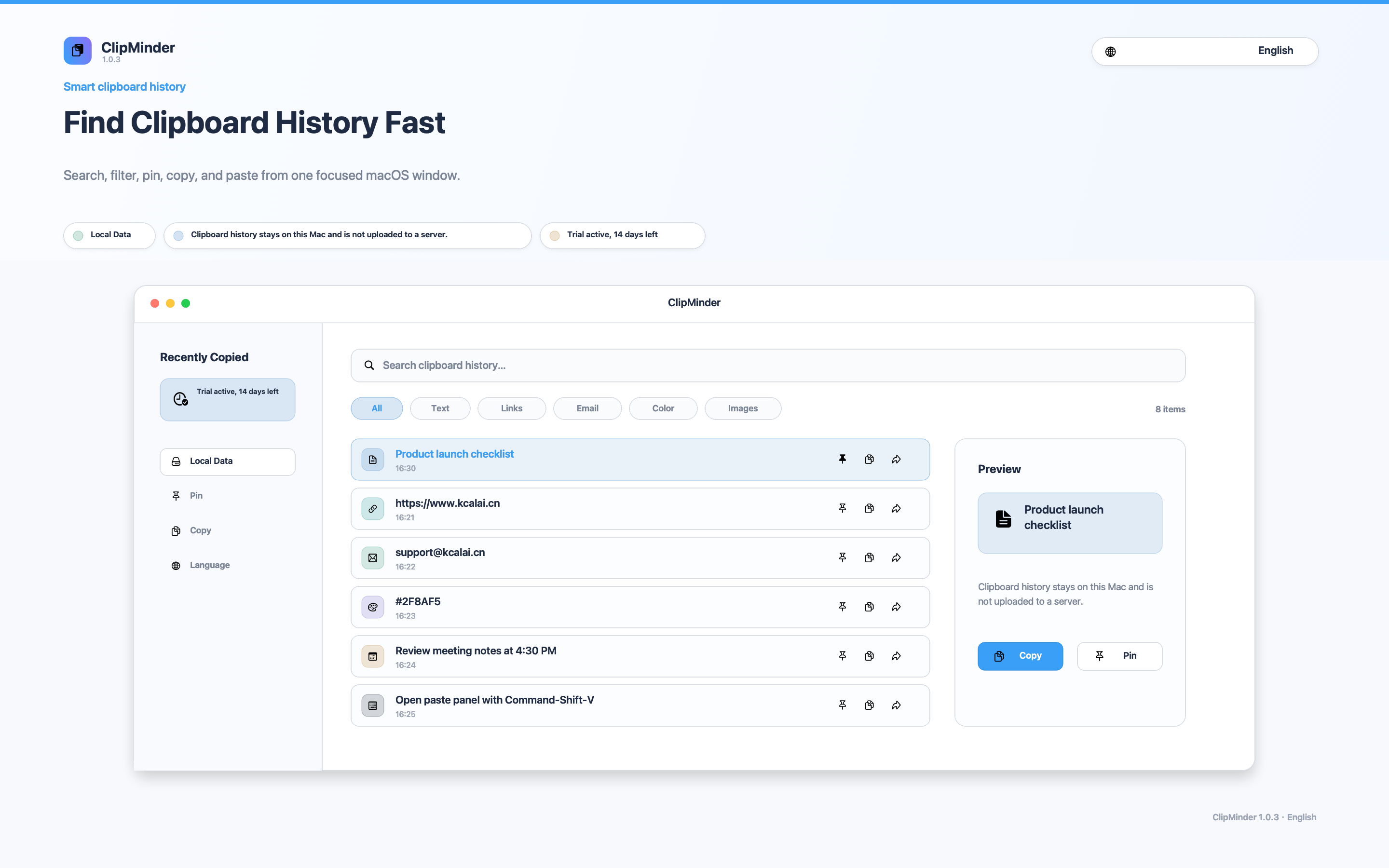
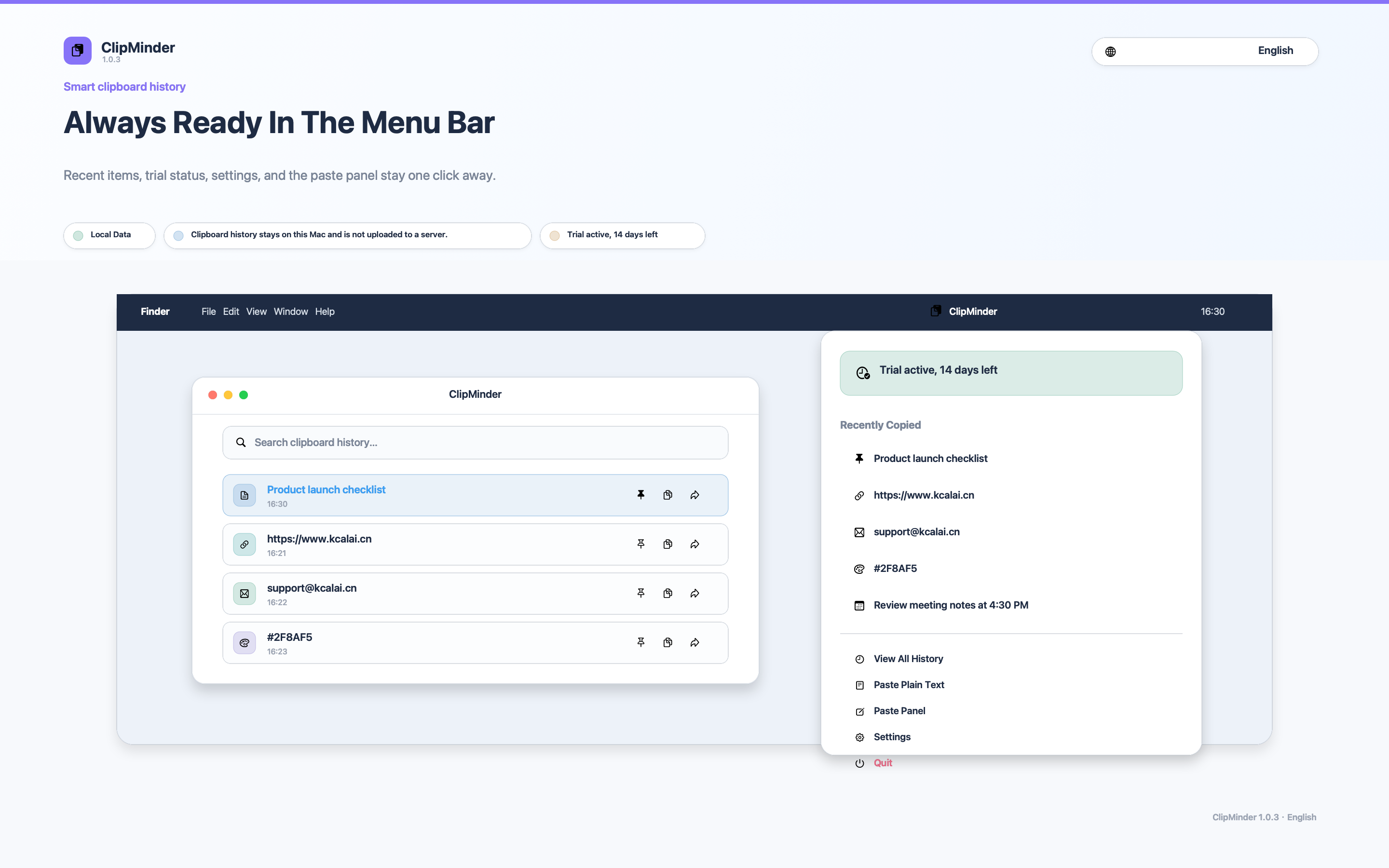
ClipMinder automatically saves every piece of text, link, image, color, and file path you copy — search and paste them back anytime.
Free 14-day trial · One-time purchase, no subscription
Every time you copy something new, the previous item is gone forever. That snippet of code, that email address, that screenshot you needed — vanished.
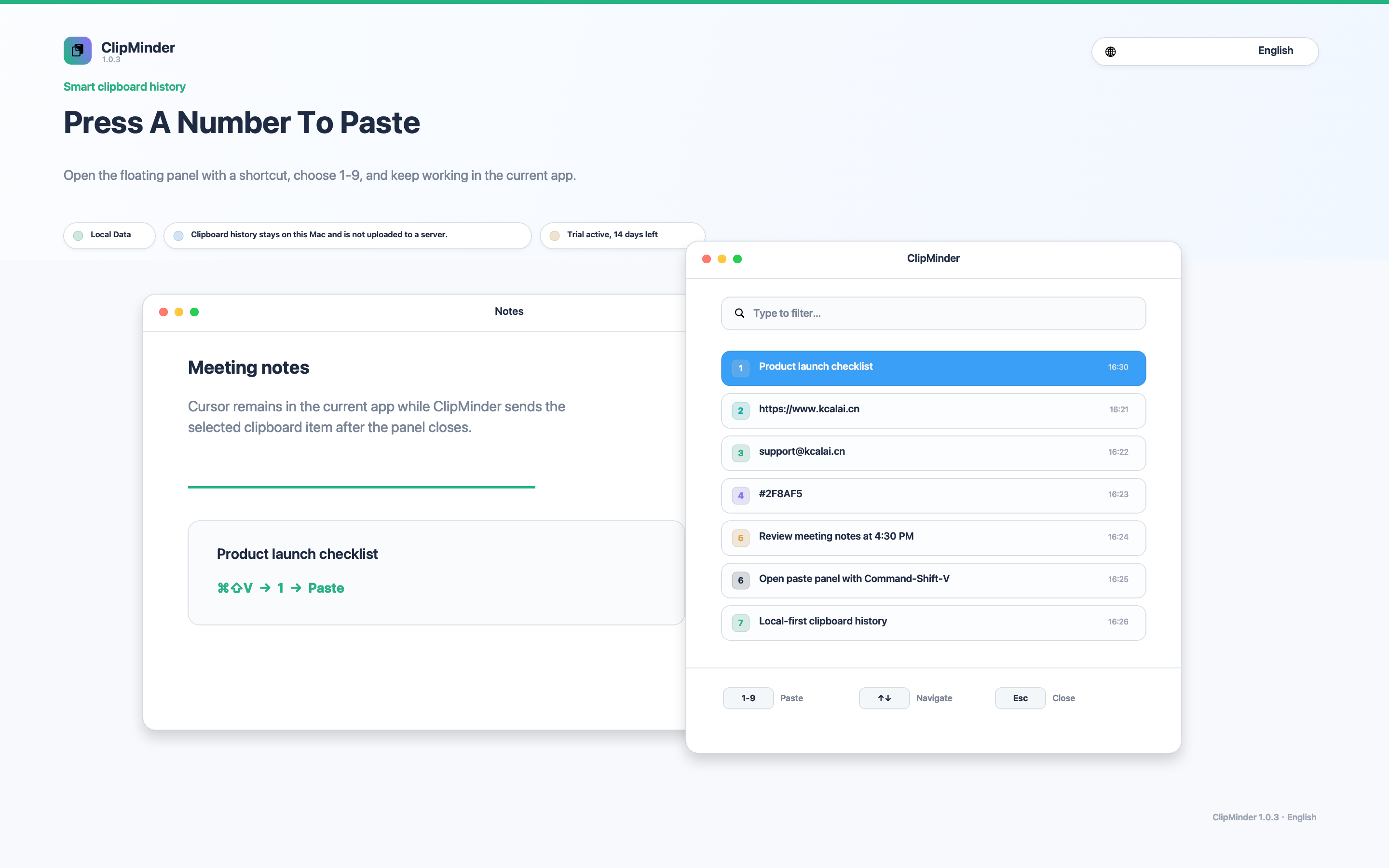
Summon your paste panel with a global shortcut. Pick and paste with Shift+1–9. Your clipboard history is always there when you need it.
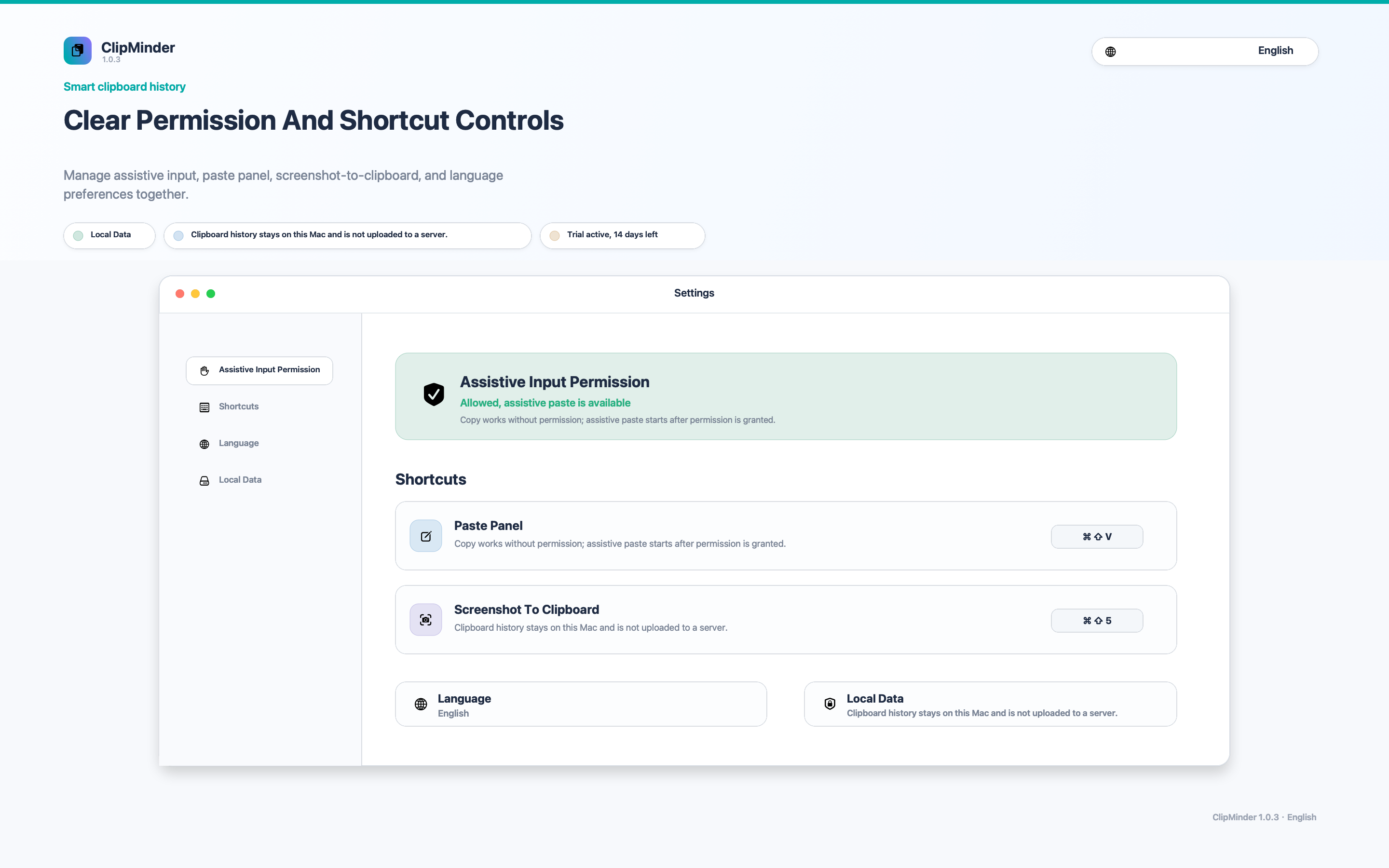
ClipMinder contains no analytics SDKs, no ad SDKs, and no third-party tracking. All clipboard history is stored locally. It never leaves your device.
100% Local StorageDownload and use every feature free for 14 days. After that, a one-time in-app purchase unlocks ClipMinder forever — no subscription, no renewals.